


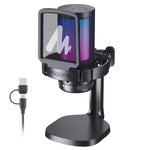
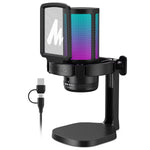

DGM20 Gaming Microphone,Usb Microphone Condenser Mic RGB Gaming Mic with Noise Reduction Software,Mic Gain,One Key Mute
SKU: b56dbe52-55c3-434e-8f24-9aec89bd61ff
Category:
Maono DGM20 Gaming Microphone,USB Microphone Condenser Mic RGB Gaming Mic with Noise reduction software,Mic Gain,One Key Mute



Maono DGM20 Gaming Microphone USB Microphone Condenser Mic RGB Gaming Mic with Noise reduction software,Mic Gain,One Key Mute
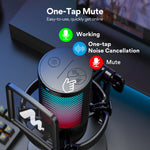
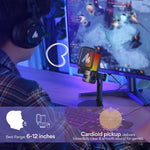
ONE-CLICK MUTE WITH LED INDICATOR - This USB computer microphone is equipped with a one-click mute function, which ensures that you have easy control over your gaming audio. Whether you need to take a quick break or engage in a private conversation, this feature allows you to instantly mute the PC mic with just one click. The red LED light indicates that the mute function is active, and the green light tells you that it's off.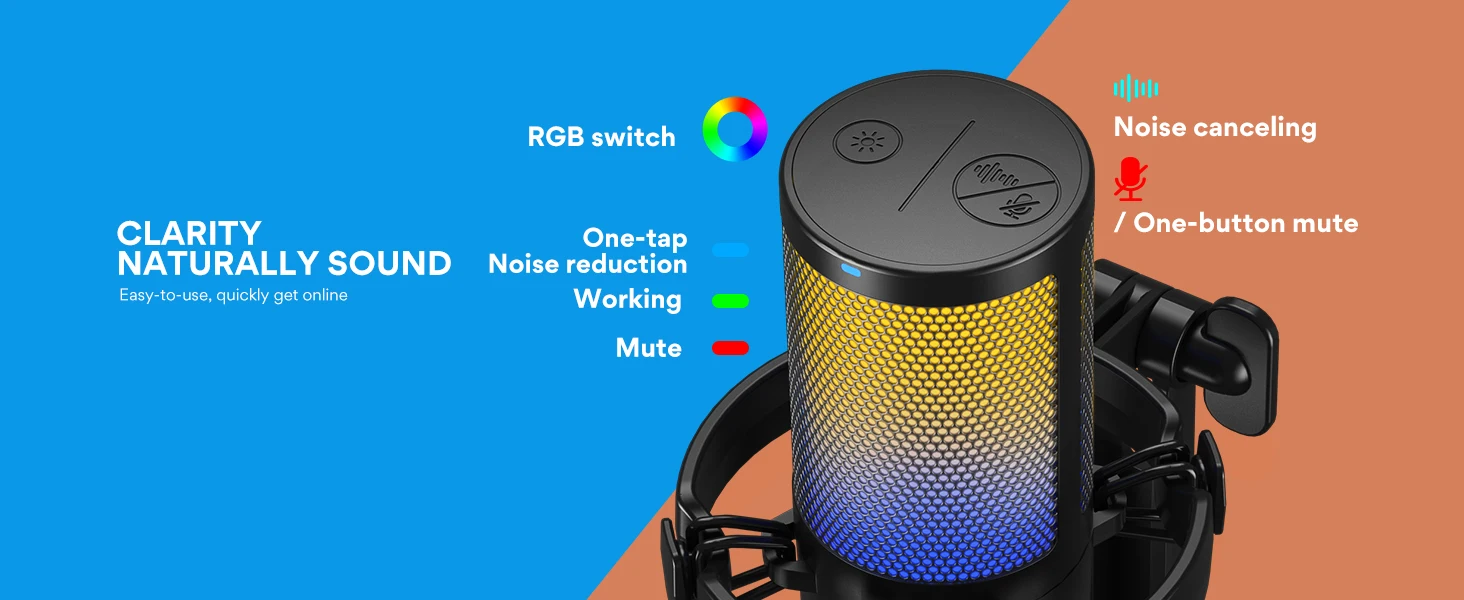 VOICE CLARITY COMES NATURALLY - This USB gaming microphone comes equipped with a one-key noise cancellation function (Long press for 3 seconds to turn on/off noise cancellation), which allows it to effectively suppress background noises. Additionally, the USB microphone's cardioid polar pattern is designed to focus on sound coming directly in front of the mic. It's guaranteed to make your voice come through loud and clear in game streaming, chatting, and podcasting.
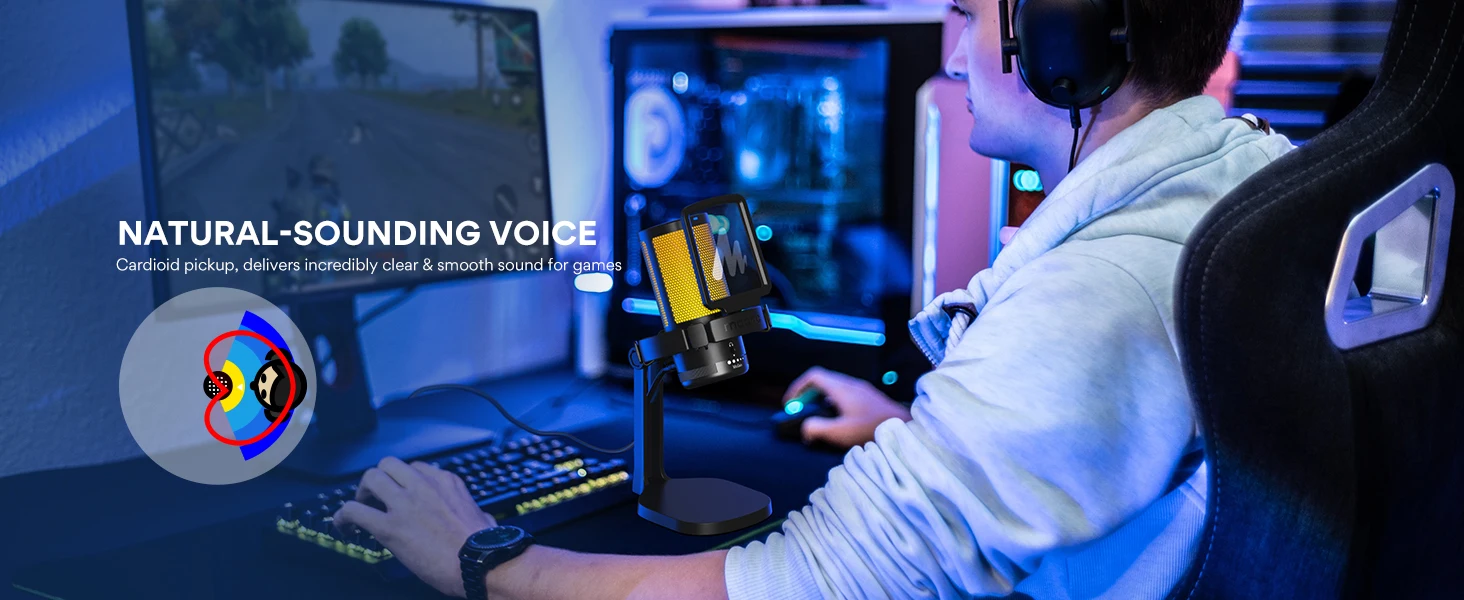 Noise Cancellation Software
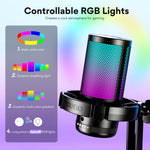
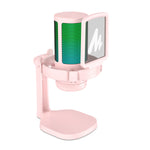
 STUNNING RGB LIGHTING - This PC gaming microphone boasts stunning RGB lighting, with dynamic multicolor, breathing light, or static solid color modes. This helps to create an immersive gaming experience and adds an extra layer of visual appeal to your gaming setup. The RGB lighting can choose to suit your preferences, helping you to set the tone for gameplay and create an exciting atmosphere. It enhances your gaming performance, whether you're playing solo or competing with others online.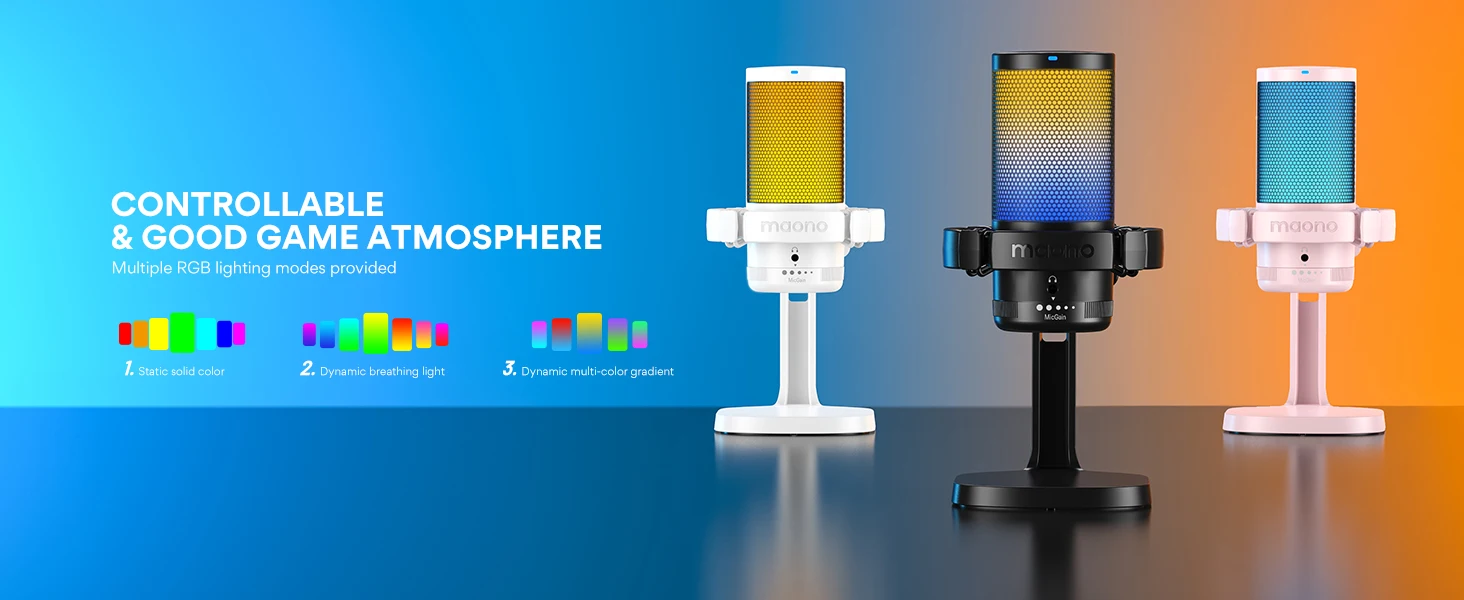
 MIC GAIN CONTROL AND MONITORING - The gain control on this game streaming microphone allows you to customize the microphone's sensitivity so it can pick up sounds from various distances and volumes. By adjusting the mic gain, you can increase or decrease the USB microphone's sensitivity to suit your needs and the surrounding environment, ensuring that you capture clear and precise audio. To have real-time monitoring of your sound, plug headphones into the PC mic’s jack.
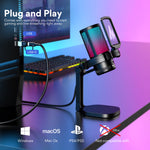
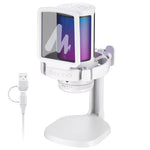
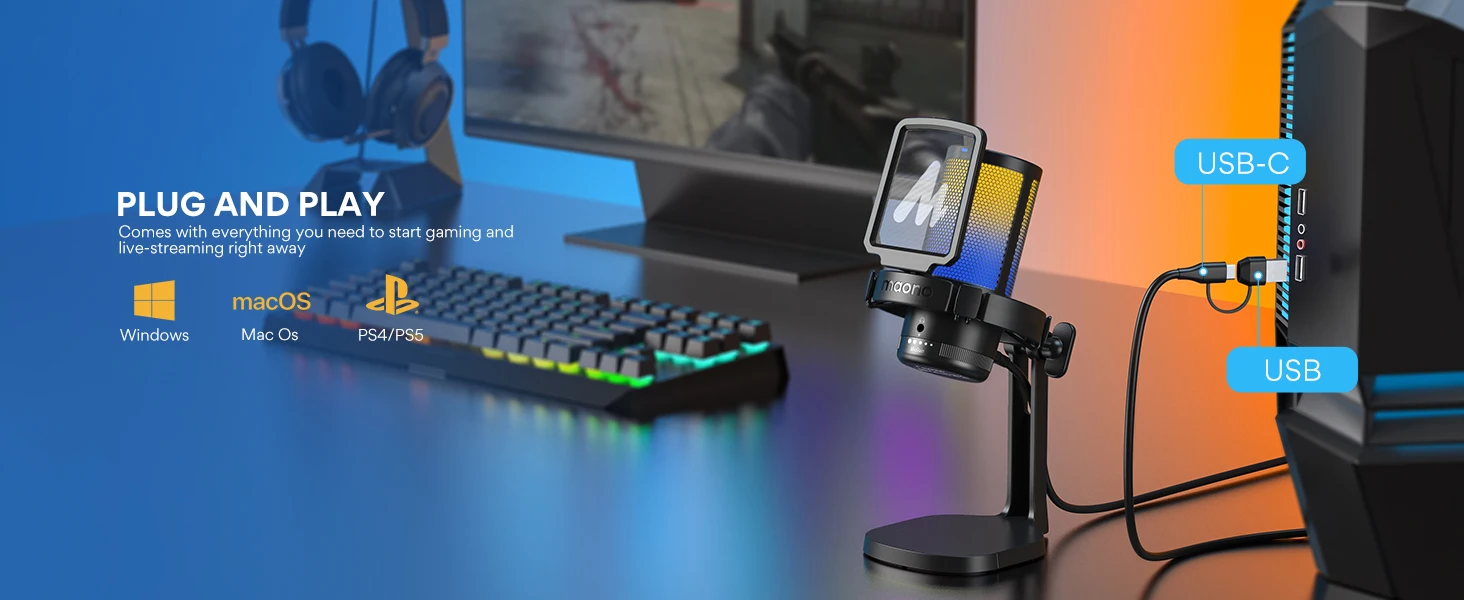
 PLUG AND PLAY - Simply hook up the gaming condenser microphone to your PC, computer, laptop, desktop, Mac, and Android phone with the included USB-C to USB/USB-C 2 in 1 cable. Start gaming, streaming, podcasting, or online chatting in no time. (Note: Not compatible with XBOX)
 ALL-IN-ONE KIT - Includes USB gaming microphone x1, sturdy stand x1, pop filter x1, shock mount x1, USB-C to USB-A/USB-C cable x1, user manual x1, boom arm adapter x1. This PC mic can fit 5/8" to 3/8" threaded mic stand setups.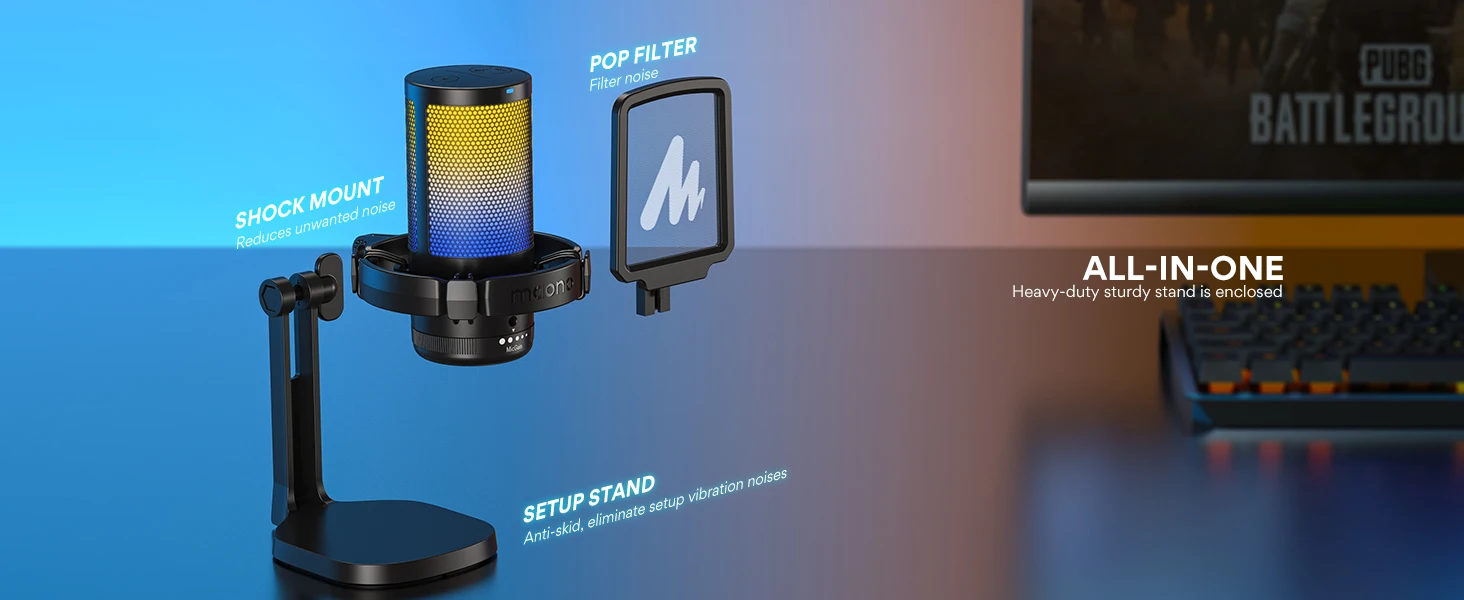

Lorem ipsum dolor sit amet, consectetur adipiscing elit. Duis vulputate, lectus ac pretium maximus, magna neque fermentum arcu, ut pulvinar arcu erat vel massa. Pellentesque ac arcu blandit, vestibulum tortor eget, dictum magna. Curabitur sit amet metus nulla. Pellentesque et augue et urna volutpat vestibulum vitae eget ligula. Maecenas mi augue, faucibus scelerisque facilisis in, dignissim vitae justo. Sed venenatis lectus et leo malesuada iaculis. Nunc lacinia arcu id elementum rhoncus. Duis tempor, enim vel vulputate interdum, magna sapien lacinia enim, nec lobortis quam enim eu erat. Aenean faucibus ex vitae nibh accumsan ullamcorper. Sed a orci augue. Maecenas porttitor venenatis semper.
Lorem ipsum dolor sit amet, consectetur adipiscing elit. Nulla luctus libero quis mauris vestibulum dapibus.
Maecenas ullamcorper erat mi, vel consequat enim suscipit at. Pellentesque a elit at elit
-
Lorem ipsum dolor sit amet
Maecenas ullamcorper erat mi, vel consequat enim suscipit at.
-
Quisque in felis ut tellus
Pellentesque a elit at elit auctor tempus sed vitae mi
-
Morbi blandit auctor
Vestibulum sollicitudin tortor dui, quis aliquet sapien convallis sed.
-
Sed sit amet risus quis velit lacinia gravida.
Aenean interdum elementum arcu. Vivamus purus lorem, semper quis libero et.
-
Morbi dictum orci neque.
Curabitur vehicula tellus sit amet neque placerat, vel sagittis.
